
Views and navigation
A view is a saved list of a given object. A navigation menu item puts that view in the sidebar. The server already provisions each object’s default “All …” view automatically, so the views an app defines are additional, curated ones.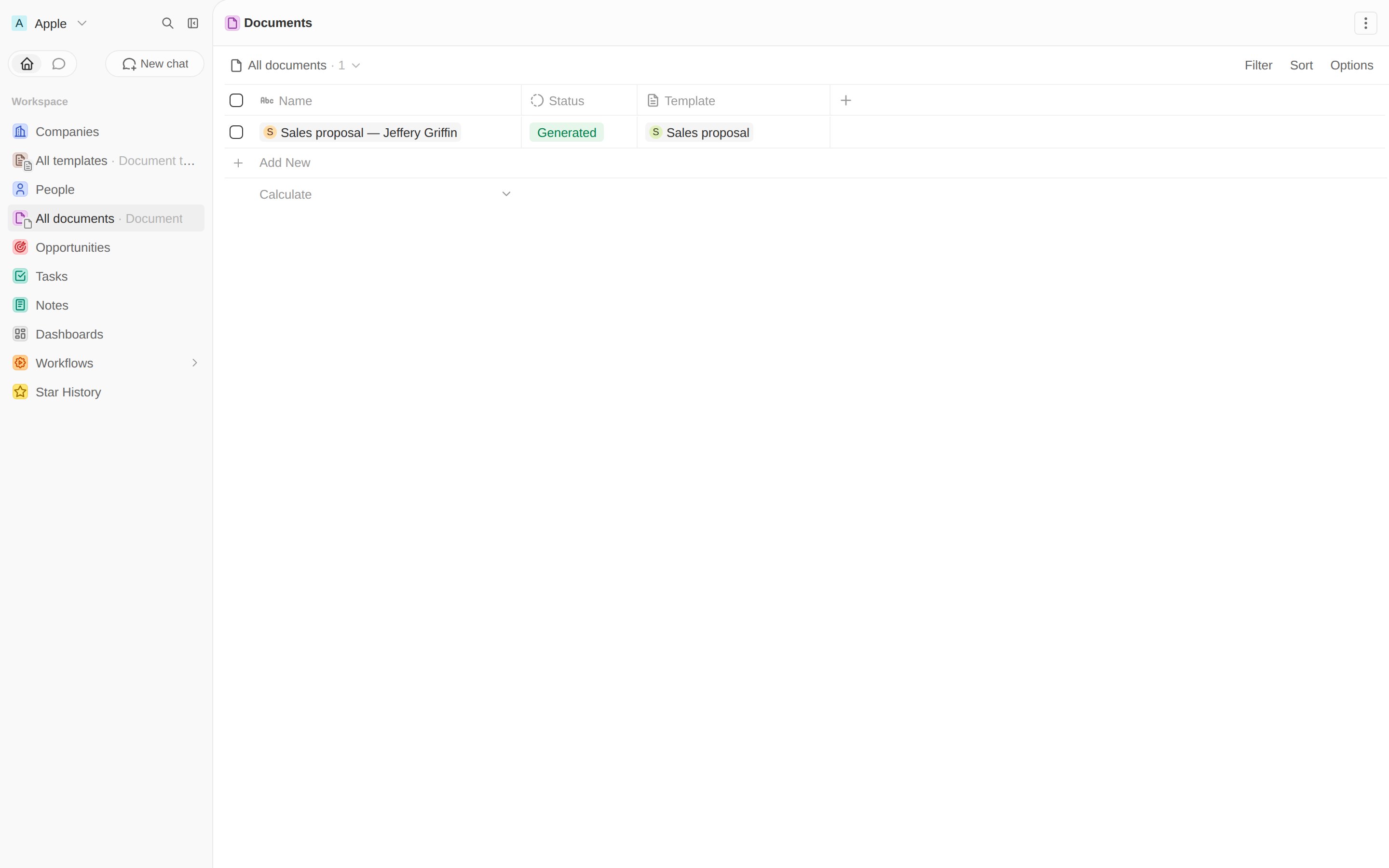
Documents and Templates in the sidebar, with the generated document listed.
A front component
A front component is a React component sandboxed inside Twenty. Ours reads the selected record, loads the person templates viaCoreApiClient, and POSTs to the route from the last
chapter.
A command to open it
A command menu item withavailabilityType: 'RECORD_SELECTION' shows up when a Person is selected, and
opens the component in the side panel.
Try the whole flow
Open People, tick a person, and press ⌘K / Ctrl K. “Generate document” appears, tagged with your app: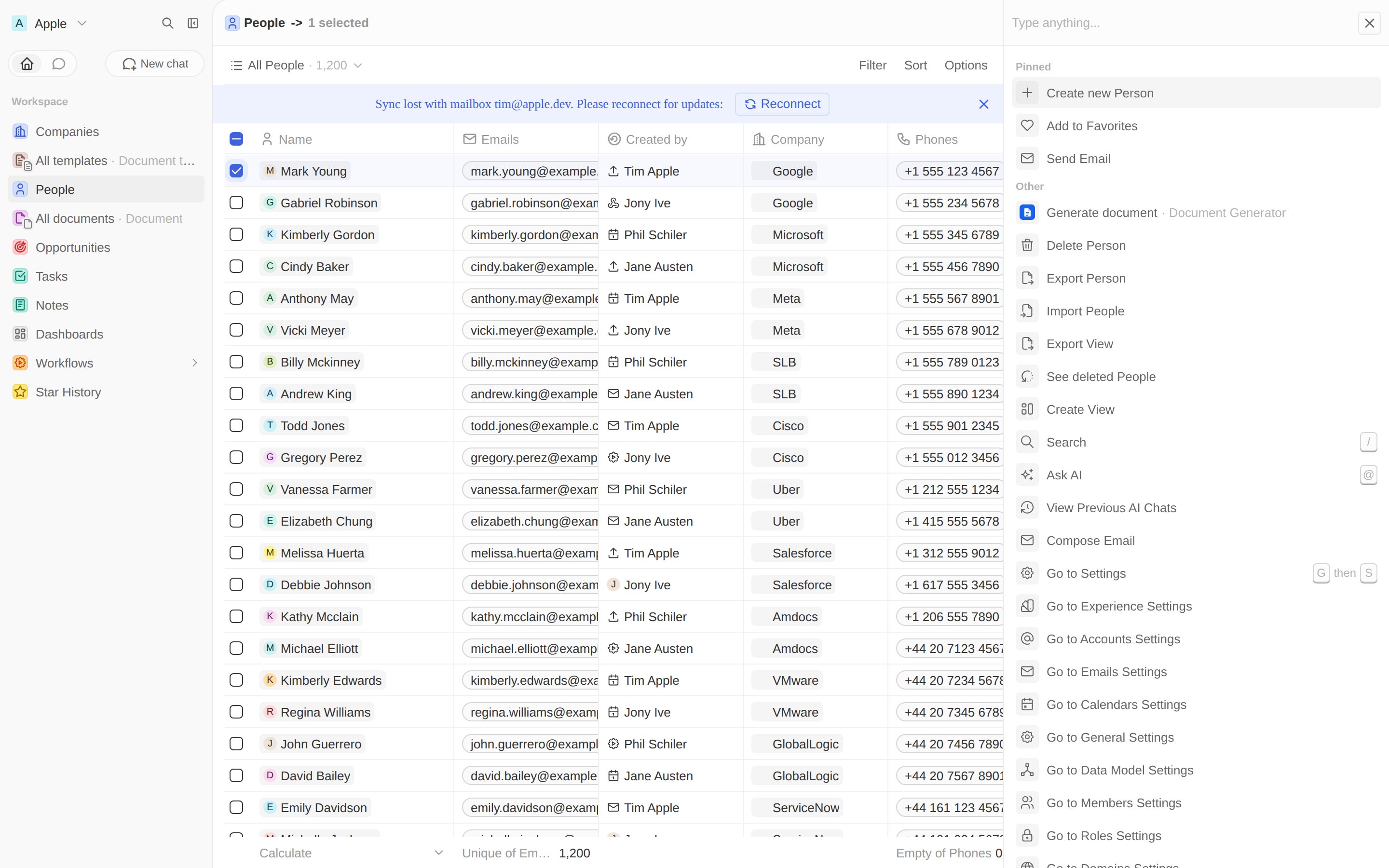
The command shows up when a Person is selected.
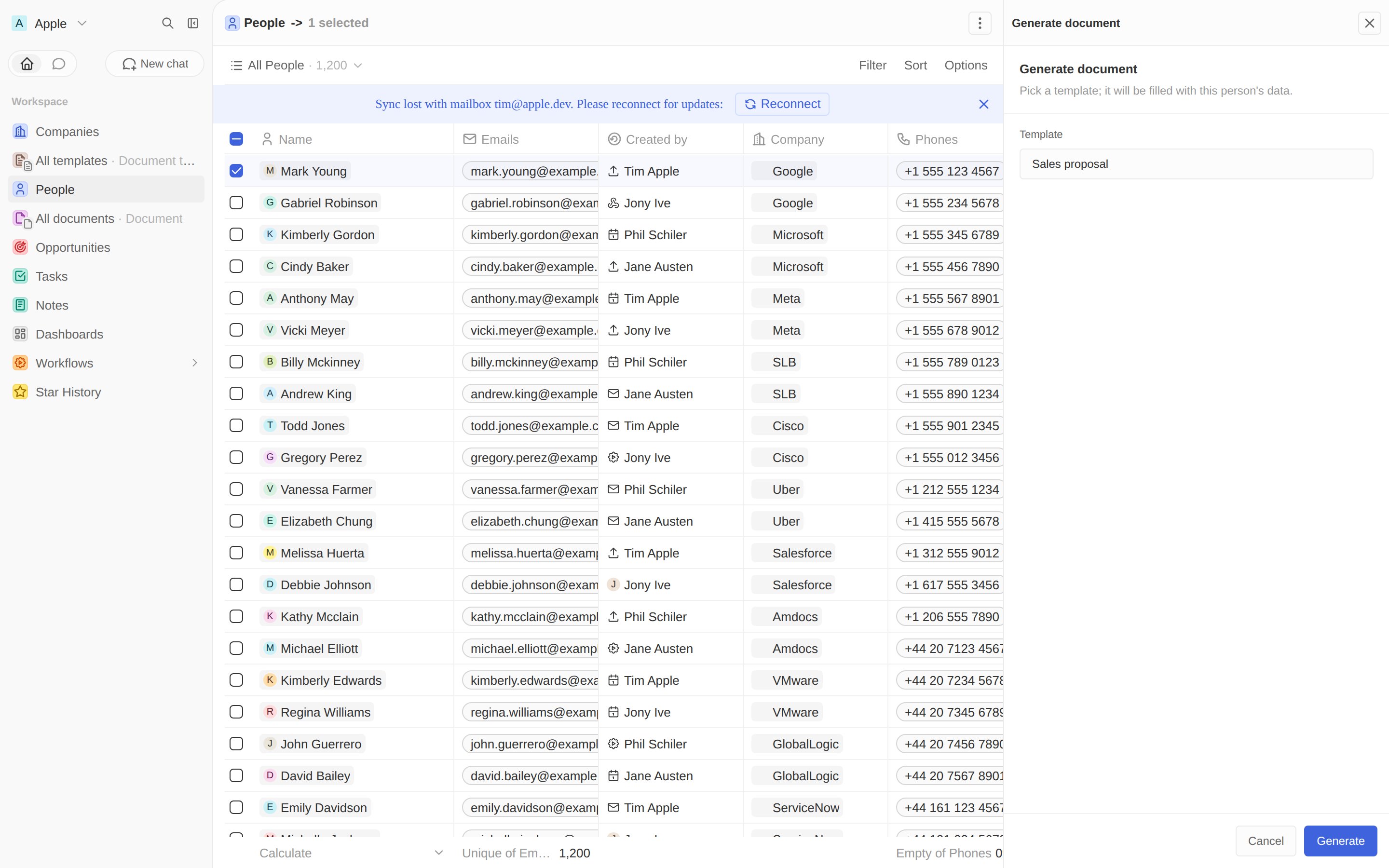
The front component, loading templates and generating on click.
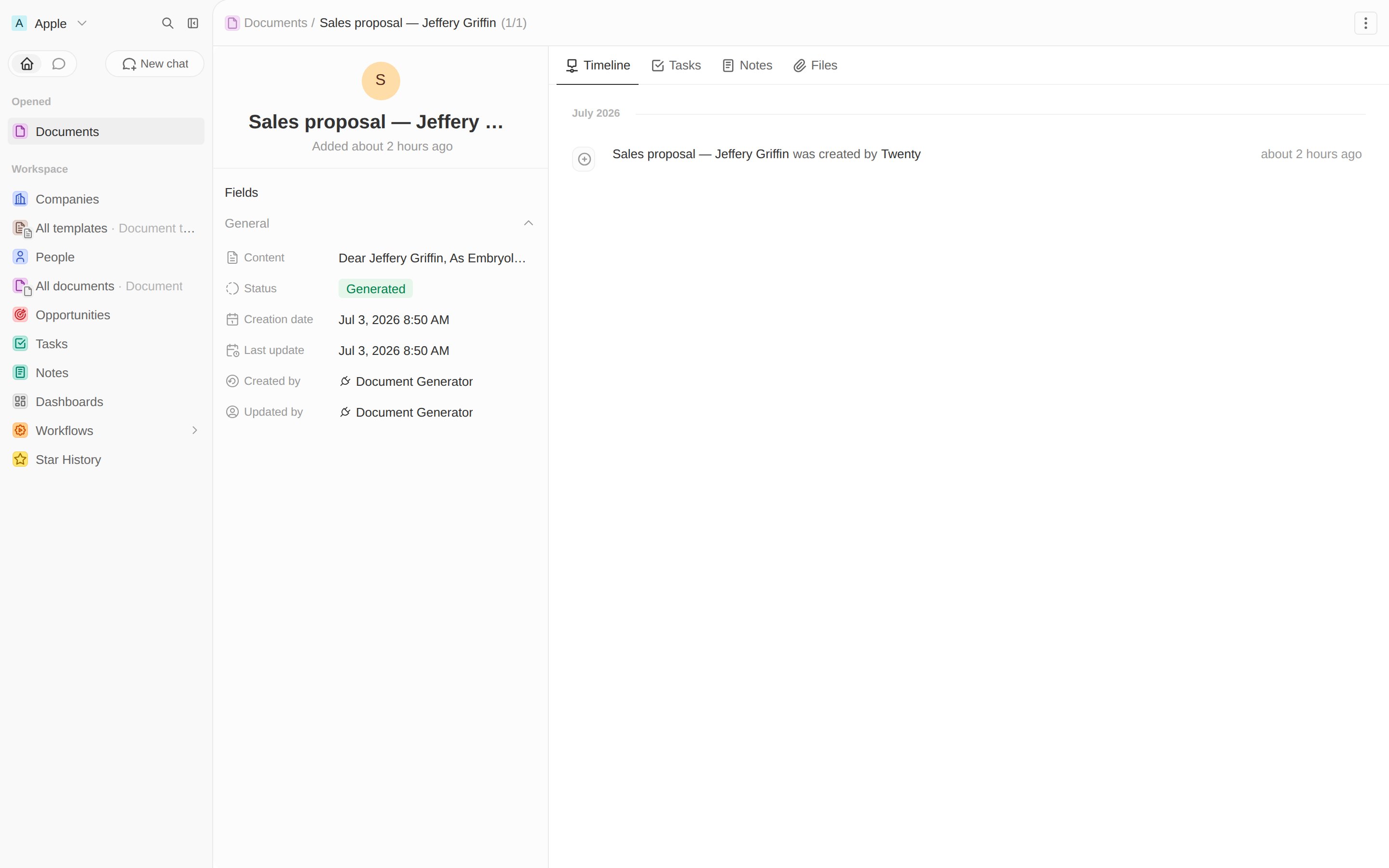
Created by Document Generator, status Generated.
Preview a document on its record page
A front component isn’t only for command menus — you can mount one as a tab on a record page. Let’s add a Preview tab to the document record that renders the Markdown body as a polished, printable page. The component reads the current record id from its execution context, loads the document, and renders it. Front components run in a sandbox that only allows a whitelist of HTML tags — raw HTML injection (dangerouslySetInnerHTML) and
<style> are blocked — so we render the Markdown as React elements with inline
styles via a small Markdown
helper.
RECORD_PAGE layout adds tabs to an object’s record view; a tab with a single
FRONT_COMPONENT widget hosts the component full-bleed:
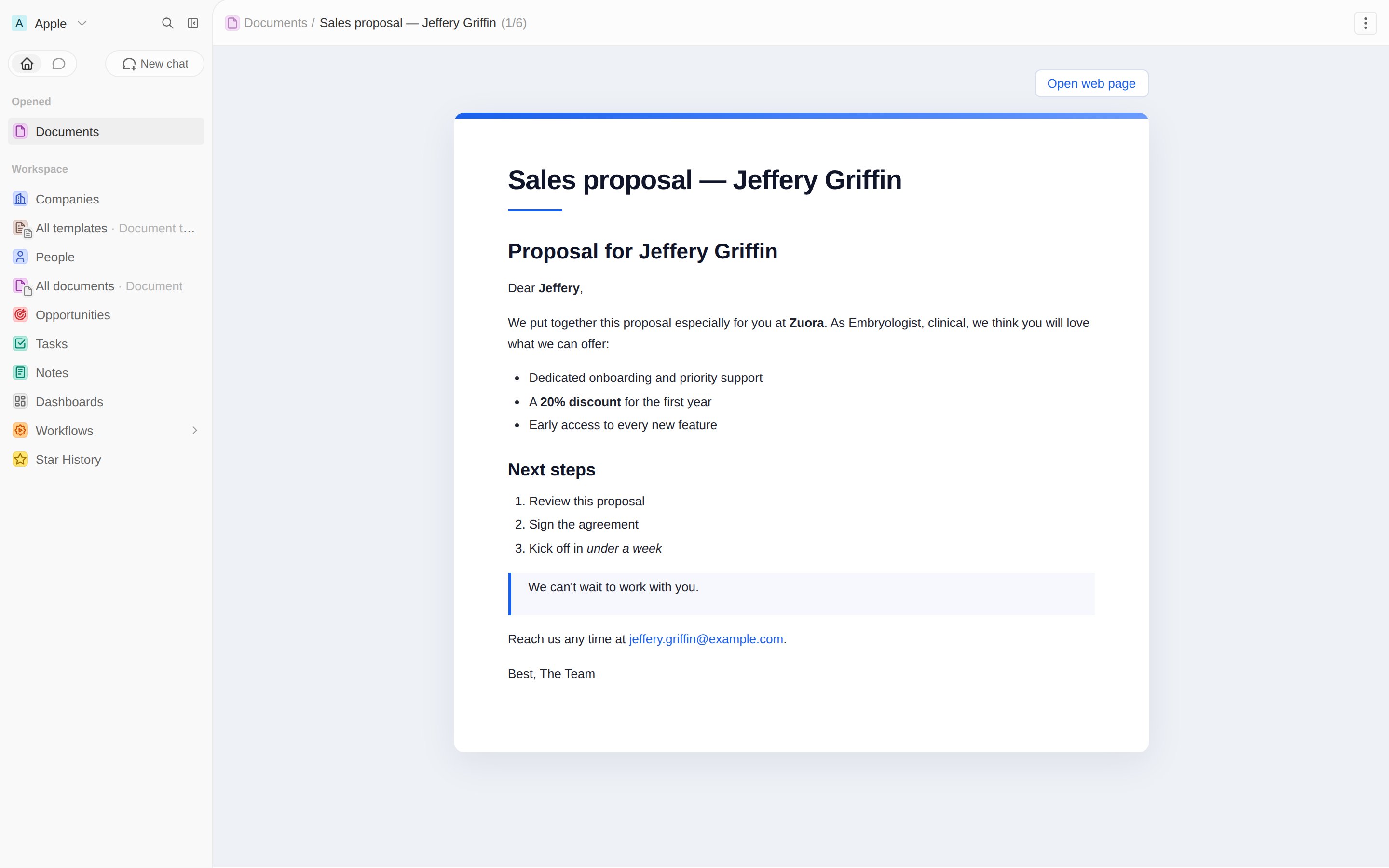
The Preview tab renders the document with inline styles, plus quick links.
Edit a template with the rich-text editor
Templates don’t need a custom component at all. Because thebody is a
RICH_TEXT field, Twenty already provides a full rich-text editor for it — the
same one the standard Note and Task objects use. We just surface it on the
template record page.
Add a tab with a FIELD widget in EDITOR display mode, pointing at the body
field via fieldMetadataId:
RICH_TEXT field stores both the editor’s block JSON and a Markdown
projection. The generation pipeline reads that Markdown projection, so
placeholders, the PDF, and the shareable web page all keep working unchanged —
see the full
template-record.page-layout.ts.
FIELD widgets support other display modes and options too, including
listing records of a nested relation two hops away — see the
field widget reference.
Now editors write templates in a proper rich-text editor:
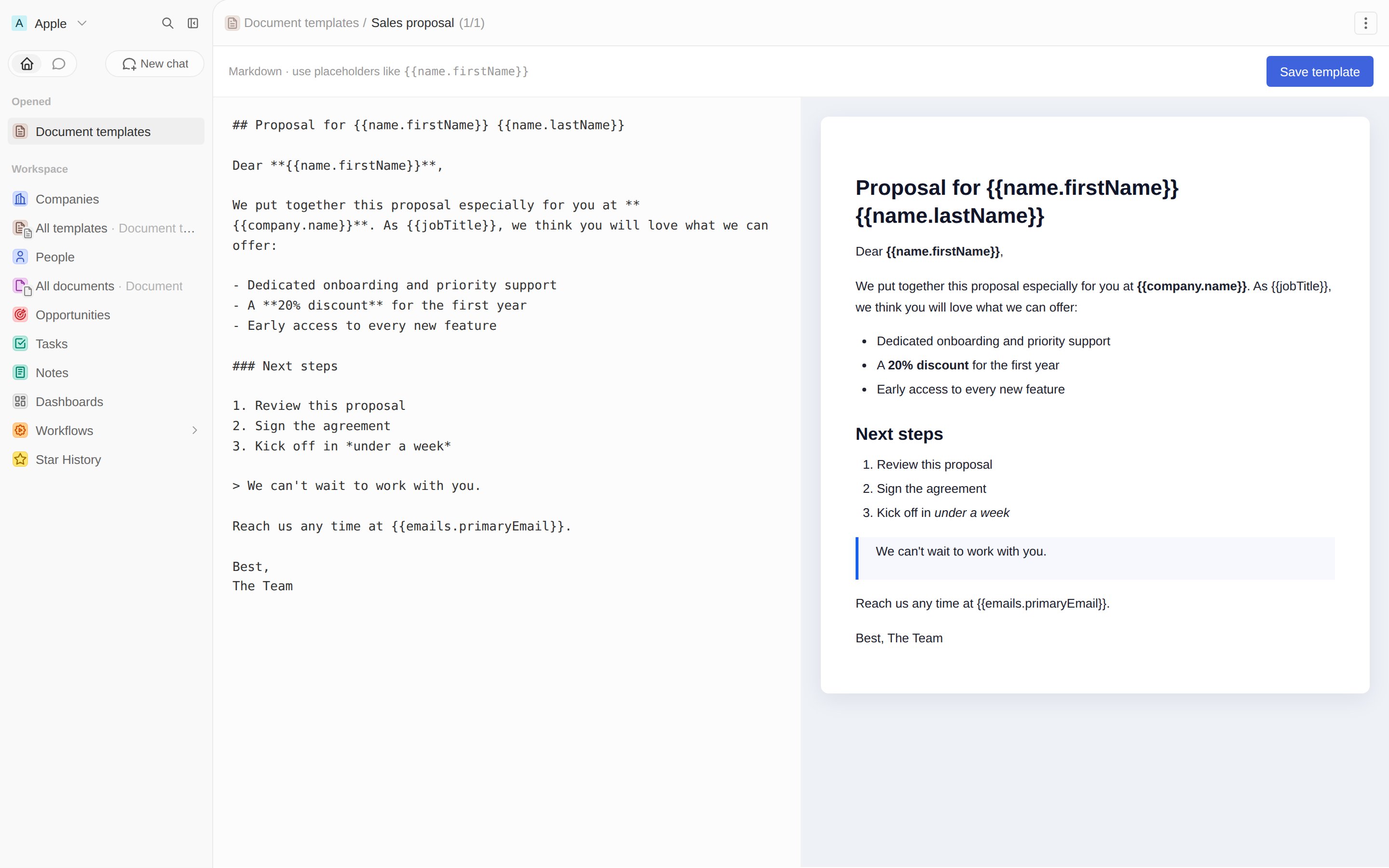
The Template tab: Twenty's native rich-text editor bound to the body field.
Next: an AI agent →
Add an agent and a skill that call your tool.