
Every
*_UNIVERSAL_IDENTIFIER constant lives in
src/constants/universal-identifiers.ts and is imported where used. The snippets
below omit those imports for brevity — keep them in your own files.The template object
A template has aname, a body with {{placeholders}}, and a target that
says whether it’s written for a Person or a Company. The body is a
RICH_TEXT field, so Twenty gives it a full rich-text editor.
The document object
The generated document stores the renderedcontent and a status. Define it
the same way, with a status select of DRAFT / GENERATED. Full file:
document.object.ts.
Linking them with a relation
Each document should point back to the template it came from. Relations are bidirectional — you define both sides, each in its own field file.template-documents-relation.field.ts) is a
RelationType.ONE_TO_MANY field named documents that points the opposite way.
See Relations for the full pattern.
See it in Twenty
Withyarn twenty dev running, open Settings → Data model. Both objects
appear, tagged with your app.
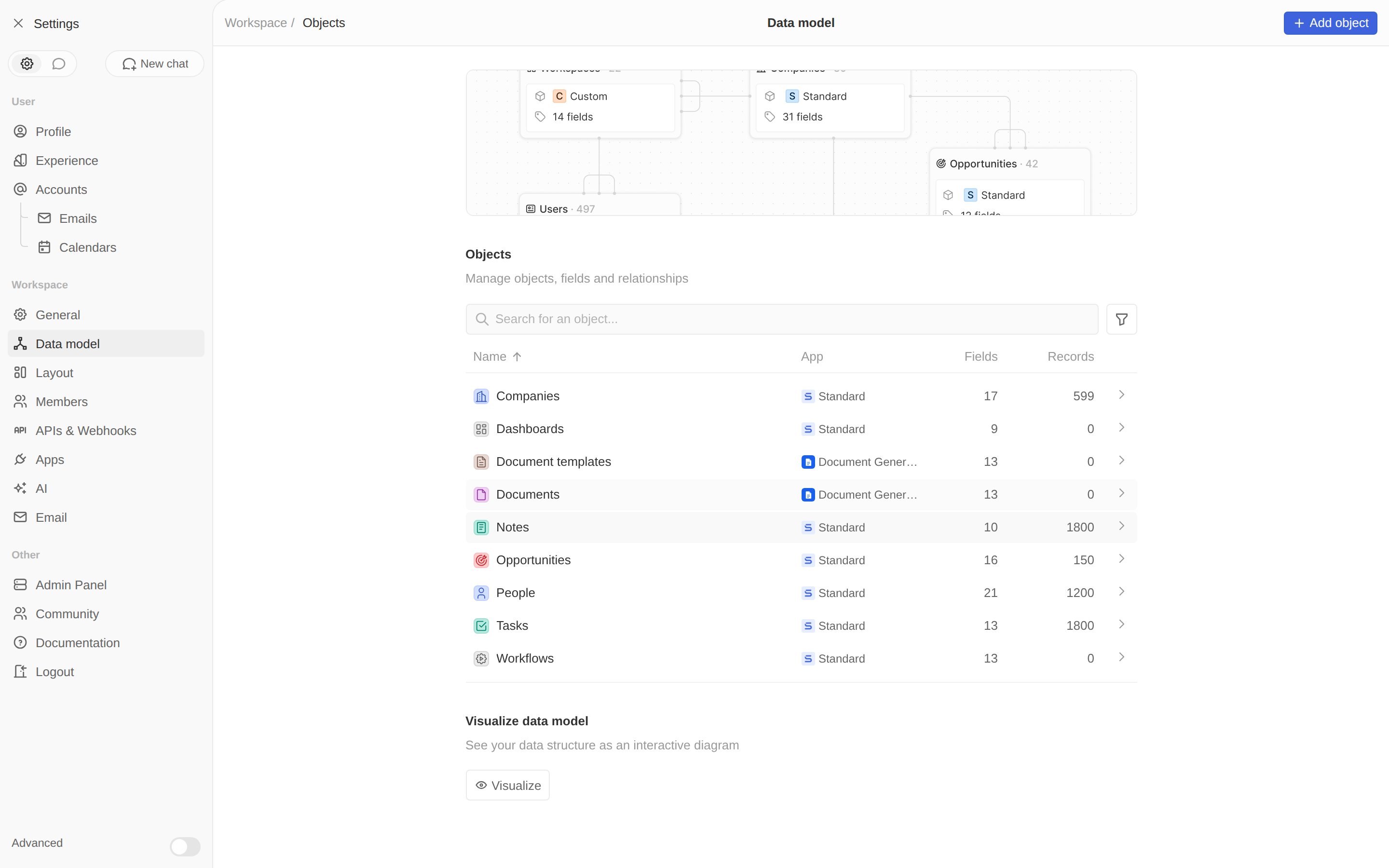
Both custom objects, owned by the Document Generator app.
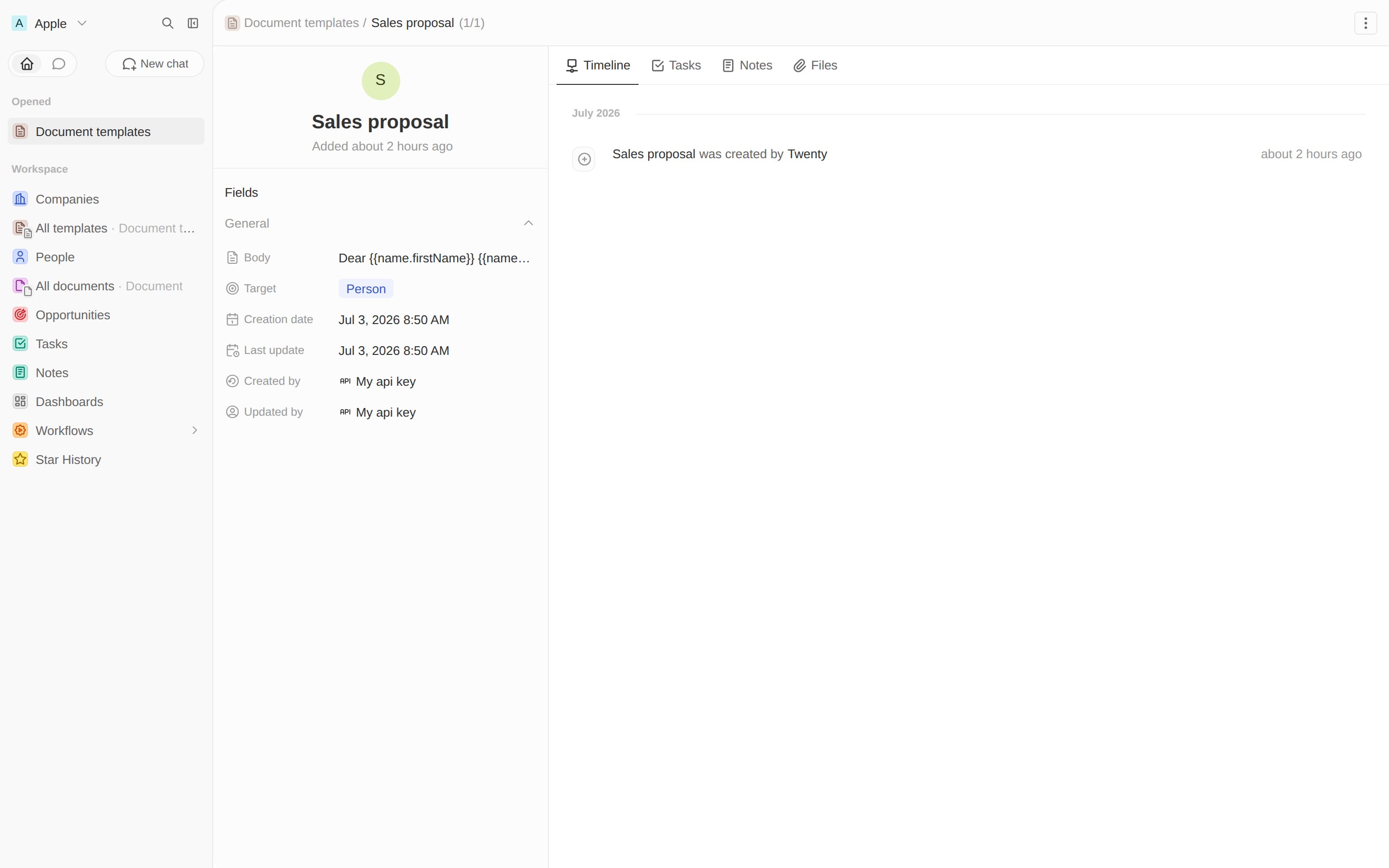
A template record. The body keeps its placeholders until a document is generated.
documentTemplate and document objects, linked by
a relation, and one template to generate from. Next, the logic that fills it in.
Next: generating documents →
Write the logic function that fills the template.