
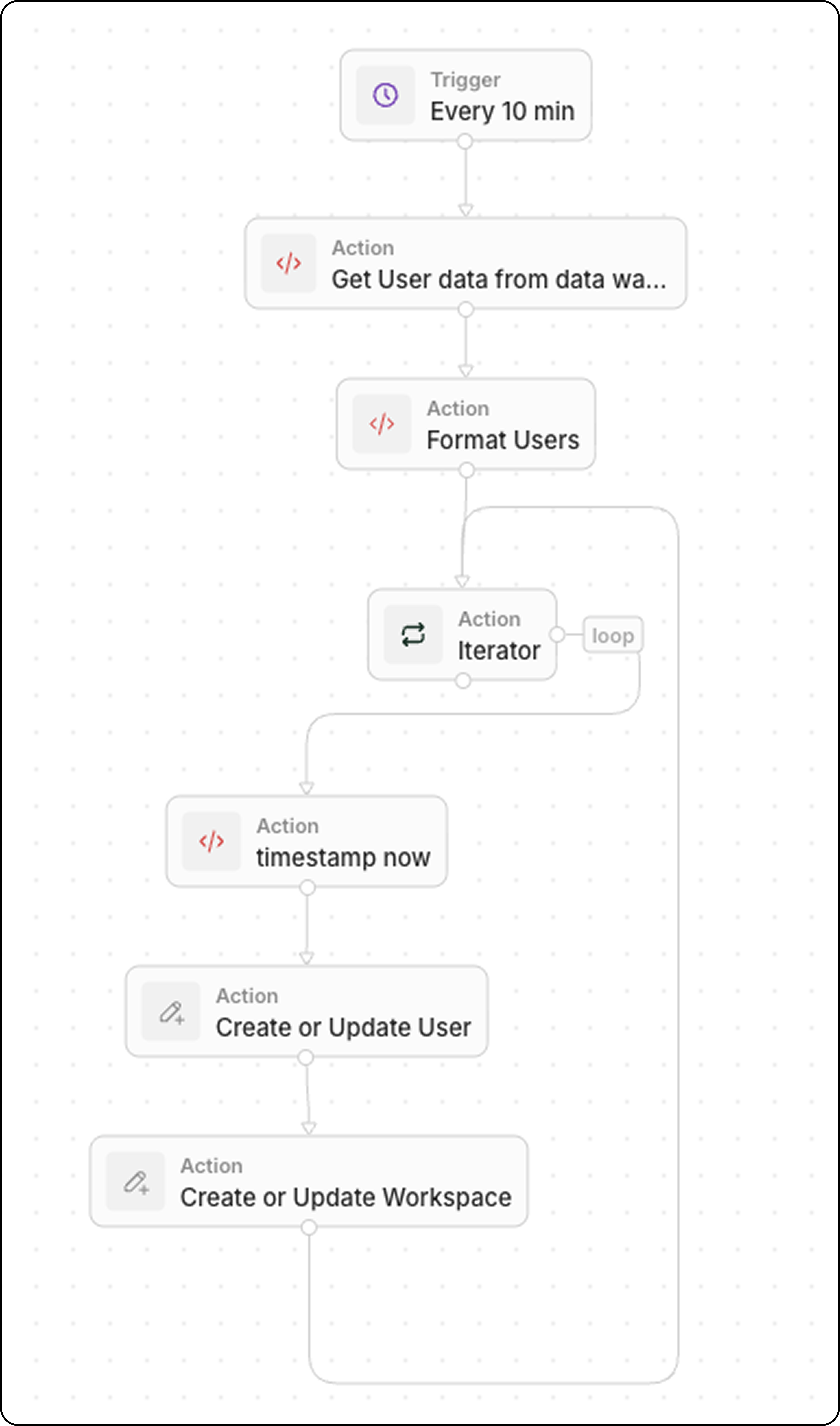
Workflow Structure
- Trigger: On a Schedule
- Code: Query your data warehouse
- Code (optional): Format data as array
- Iterator: Loop through each product
- Upsert Record: Create or update in Twenty
Step 1: Schedule the Trigger
Set the workflow to run at a frequency matching your data freshness needs:- Every 5 minutes for near real-time sync
- Every hour for less critical data
- Daily for batch updates
Step 2: Query Your Data Warehouse
Add a Code action to fetch recent data:Step 3: Format Data (Optional)
If your warehouse returns data in a format that needs transformation, add another Code action. Common transformations include type conversions, field renaming, and data cleanup.Example: User Data with Boolean and Status Fields
Example: Product Data with Type Conversions
Example: Date and Currency Formatting
Common Transformations
Step 4: Iterate Through Products
Add an Iterator action:- Input:
{{code.products}}